Adding promo codes to upcoming subscription ordersUpdated a month ago
Follow the steps below to add a promo code to your upcoming subscription order.
- Log in to your account — Visit lovewellness.com/account/login and sign in to your Love Wellness account.
- Go to your account — Once logged in, click on your account icon or name in the top right corner to navigate to your account page.

- Navigate to Subscriptions — From your account menu, select Subscriptions to view your active subscription orders.

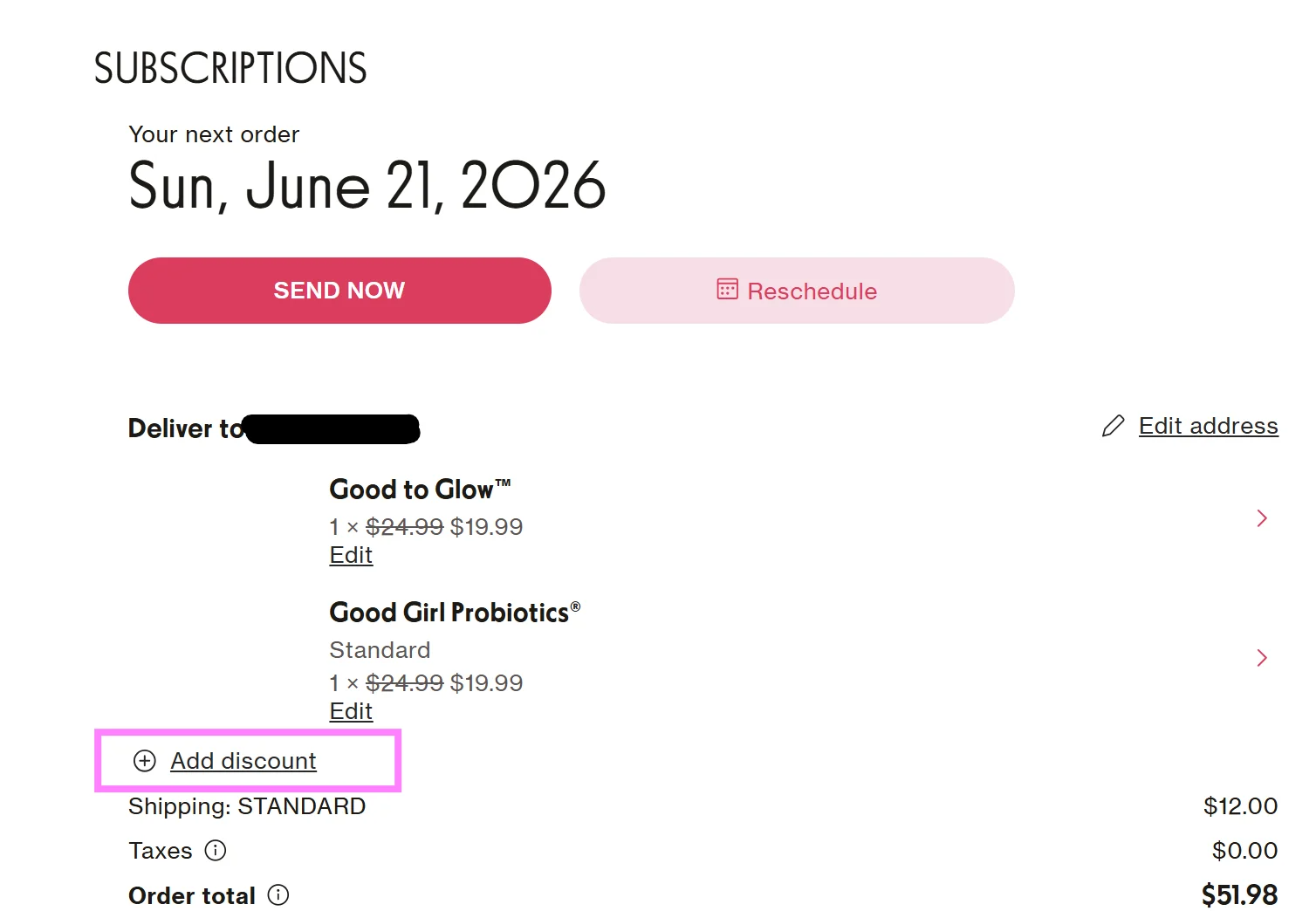
- Add your promo code — Click Add Discount. A pop-up will appear where you can paste your promo code, then click Apply Discount Code to confirm.
Running into trouble? We're happy to help! Reach out to our team at [email protected].